Titan Quest Mobile
Release date: Feb 2, 2021
-
Tools:
- Custom Engine(C++
- C)
- Visual Studio
- SVN
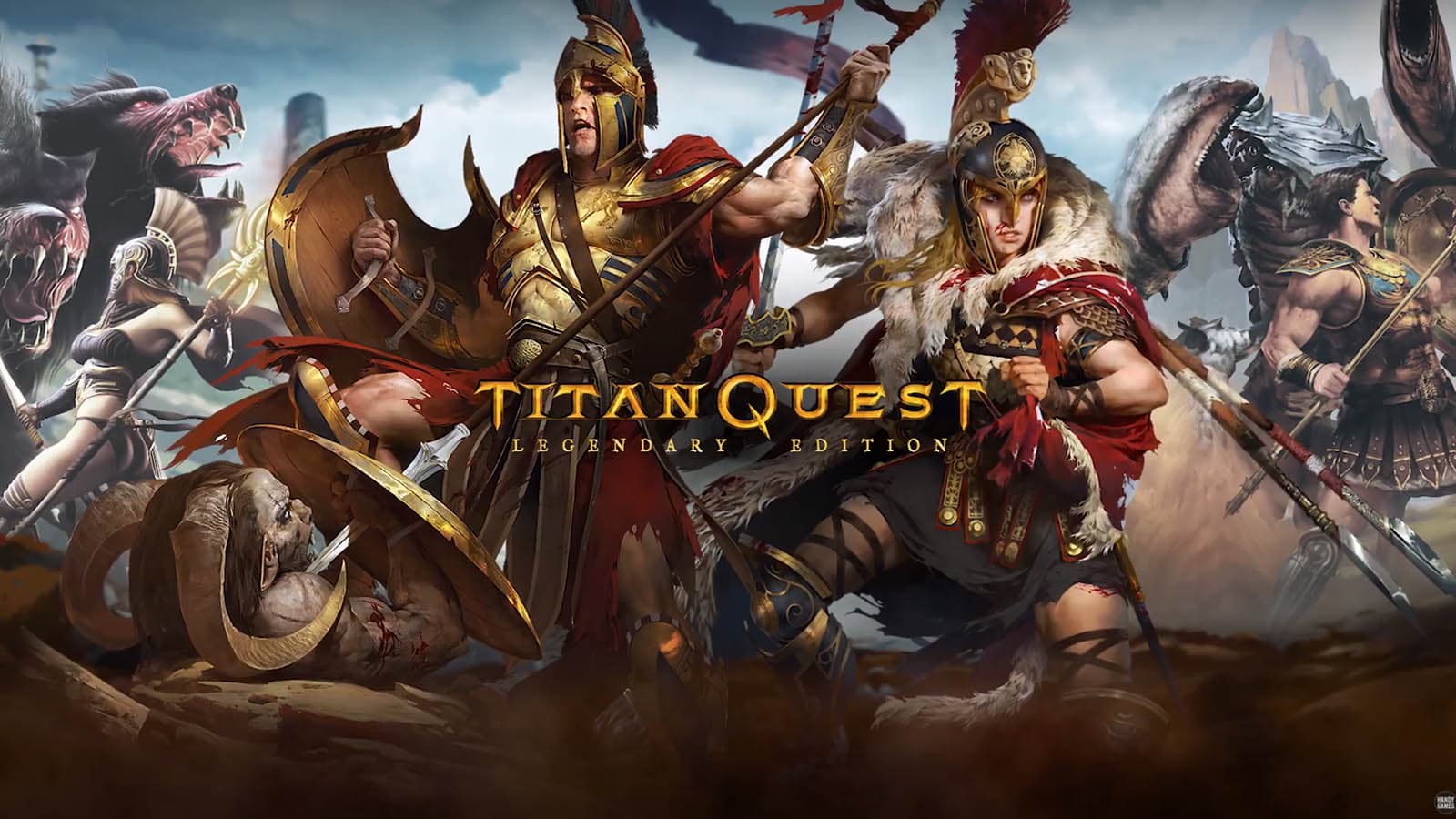
I was part of the team porting the PC version of Titan Quest Anniversery Edition to Android and iOS. This included the 3 expansions Immortal Throne (bundled along the Anniversary Edition), Ragnarok and, later on, Atlantis.
I’ve worked on many aspects of the game but I mostly was focused on the Android version:
-
OpenGL renderer: Luckily we had access to a previous port from another Company (DotEmu) that was based on the pre Anniversery Edition version of the game, which gave us a solid framework to base our work on. But the Anniversery Edition had many updates, so I had to convert all the existing hlsl shaders(all written for Shader Model 2 or earlier) to glsl again. I also optimized the renderer code after profiling as well as implementing support for some missing features(mainly supporting post-process effects).
-
Update/Fix tooling: I implemented ASTC texture encoder(https://github.com/ARM-software/astc-encoder) into the existing texture encoding tool, which allowed us to significantly reduce the overall texture sizes while keeping a very similar quality. The old port mostly used ETC 1/2, which can increase the final texture size to over 200% in comparison to ASTC. I also worked on fixing some of the other original dev tools so we could actually run and use them to fix bugs. This mainly concerned the database and level editor but we’ve also looked into fixing the particle system and mesh editor tools.
-
UI: We (re-)implemented the existing mobile UI, with several improvements for handling different screen sizes(which mobile devices can have a lot of). The Titan Quest engine uses a mostly fixed layout, with pixel defined locations for UI elements, all saved in the games database. I’ve developed a very basic tool in python that could read the database entries and show the UI layout with colored rectangles(or images if configured separately), including support for moving and resizing. This allowed us to (relatively) painlessly adjust elements or even add new ones where necessary without having to compute everything manually.
-
Google Play Store: A big part of my work went into supporting the Google Play Store integration. This included support for asset bundles(creation, download and verification), implementing in-app purchases for the different DLC and supporting Cloud saves.
-
Developer tools: I developed a simple python-based tool that bundled many of the different other tools we’ve used(ie. level editor or database editor) as well as implementing new features to improve the overall development. This including simple things, such as just starting the game on a connected device via a button or starting the awesome scrcpy utility(https://github.com/Genymobile/scrcpy). On the complex side I added basic support for building and packaging the assets, based on a few build profiles(development, testing and release) but also the UI editor I wrote about above.